You put hours into scripting, filming, and editing your video. You write a great title. You optimize your description and tags. Then you slap together a quick thumbnail and wonder why your video is not getting views. The thumbnail is almost always the problem.
This guide covers the most common YouTube thumbnail mistakes to avoid in 2026 and exactly what to do instead.
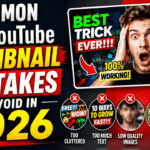
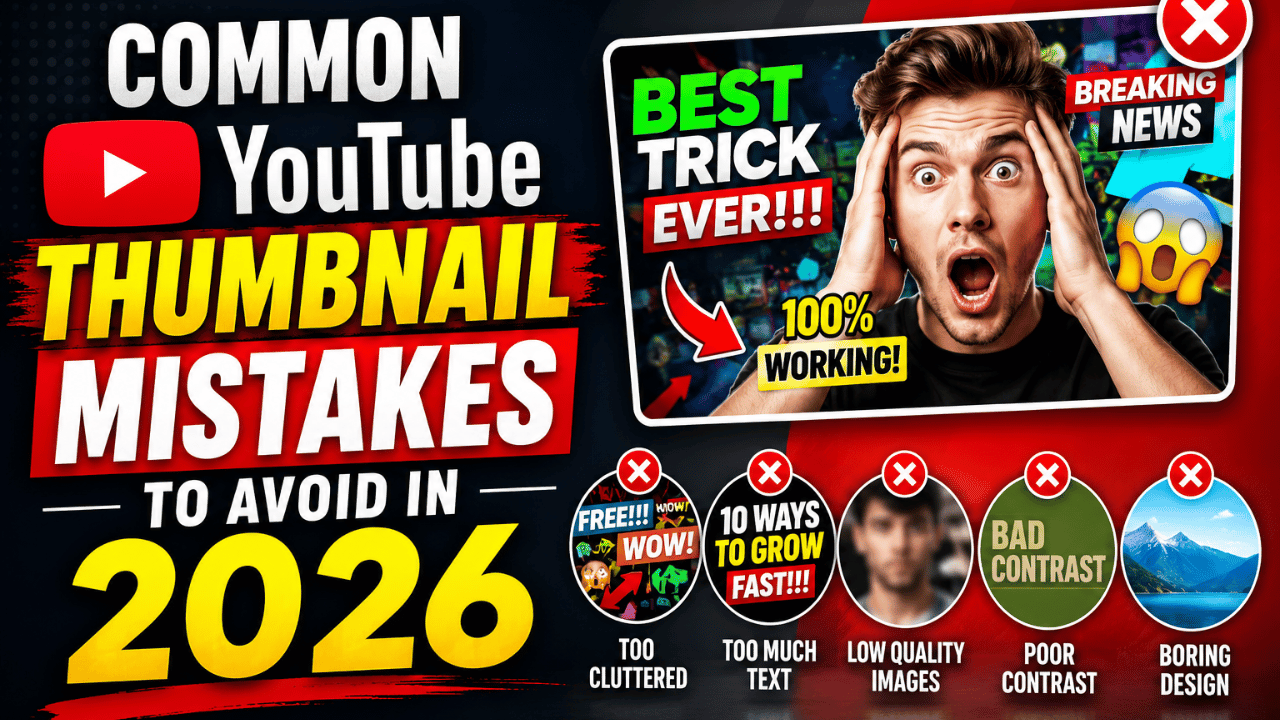
Mistake 1 — Using Too Much Text
At thumbnail size — roughly 120 x 68 pixels in the YouTube sidebar — most text becomes completely unreadable. Viewers do not stop scrolling to decipher small text. Limit your thumbnail text to three to five words maximum, set in a large, bold font with a strong drop shadow or outline.
Mistake 2 — Low Contrast Colors That Blend In
YouTube’s interface is predominantly white or dark grey. Thumbnails that use light colors, pastels, or muted tones disappear completely. Always design your thumbnail against a simulated YouTube feed background and choose bold, saturated colors — yellow against black, red against white, bright blue against orange.
Mistake 3 — Misleading Clickbait Thumbnails
Clickbait thumbnails are one of the most damaging long-term mistakes a creator can make. YouTube actively detects misleading thumbnails through viewer satisfaction surveys. When viewers click and immediately feel deceived, they leave — YouTube records that negative signal and stops recommending your content.
Your thumbnail must be an honest visual representation of what the viewer will experience in the video.
Mistake 4 — Wrong Thumbnail Size and Format
YouTube requires thumbnails to be at 1280 x 720 pixels with a 16:9 aspect ratio and under 2 MB. Thumbnails in the wrong aspect ratio get black bars added by YouTube. Always check our YouTube thumbnail size guide before uploading, and use ytthumbextractor.com to see what a correctly sized YouTube thumbnail looks like for reference.
Mistake 5 — No Visual Hierarchy
A strong thumbnail hierarchy works like this: the largest, brightest, or most visually striking element gets noticed first — usually a face or bold visual. The second element — typically text — provides context. If you cannot immediately identify which single element is most dominant in your thumbnail, your hierarchy is broken.
Mistake 6 — Inconsistent Style Across Your Channel
A channel where every thumbnail looks like it was made by a different person signals low quality. Consistency builds visual brand recognition. Pick a color palette of two to three brand colors, choose one or two fonts, and develop a signature layout. Apply these rules consistently across every video.
Read our best thumbnail design tips for a full guide on building a consistent thumbnail brand.
Mistake 7 — Not Testing or Updating Old Thumbnails
Publishing one thumbnail and never revisiting it leaves performance on the table indefinitely. Use YouTube Studio Analytics to identify your lowest-CTR videos. Download top-ranking thumbnails for the same keywords using ytthumbextractor.com, then design improved versions and test them.
Read our complete thumbnail A/B testing guide to learn how to run proper tests.
Mistake 8 — Designing for Desktop Only
Over 70% of YouTube views happen on mobile devices. Before finalizing any thumbnail, reduce it to approximately 120 x 68 pixels and review critically. If text becomes unreadable or the main subject blurs at mobile size, redesign before publishing.
Frequently Asked Questions
Q: What is the biggest thumbnail mistake that hurts CTR? Using too much small text. Text that cannot be read at thumbnail size provides no value. Keep text to three to five bold words maximum.
Q: How do I know if my thumbnail is performing poorly? Check YouTube Studio Analytics → select your video → Reach tab → look at CTR. Anything below 4% on YouTube search traffic suggests your thumbnail needs improvement.
Q: Is it safe to change a thumbnail after publishing? Yes. Changing a thumbnail does not affect your existing views, comments, or engagement. Only the thumbnail image changes.
Q: How do I find good thumbnail examples in my niche? Search your target keyword on YouTube, then use ytthumbextractor.com to download any of those thumbnails in Full HD quality for detailed analysis.
Q: Should I use the same style for every thumbnail on my channel? Yes. Consistent visual style builds brand recognition and increases click probability for returning subscribers.